Every business transaction leaves a mark, but not all of them provide the reliable documentation you need when it matters most. Accurate invoicing is crucial in resolving disputes, managing cash flow, and preparing for tax season. A clear paper trail protects your business by keeping financial records organized and accessible.
In this article, we’ll explore how to create effective invoices, the importance of keeping a solid paper trail, and how invoicing software can simplify the process.
Why Invoices Are Essential
Invoices serve multiple purposes for your business. Beyond requesting payment, they document the essential details of a transaction, including:
- The goods or services provided.
- The payment terms and deadlines.
- The contact details of both parties.
A well-maintained invoicing system protects your business in the following ways:
- Legal Proof: Invoices act as evidence in case of payment disputes or IRS audits.
- Tax Compliance: Proper documentation ensures you report accurate income and claim eligible deductions.
- Cash Flow Management: Clear payment terms help you track when money is due and follow up on late payments.
How to Create an Invoice
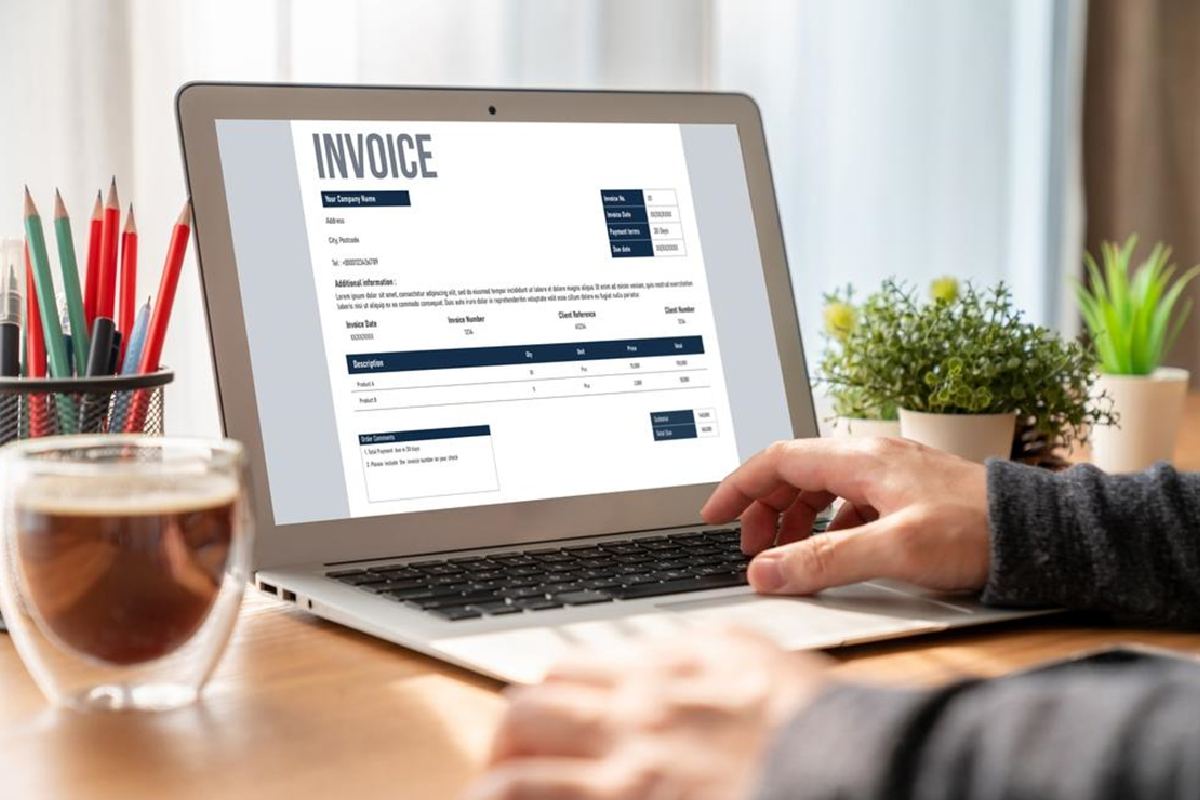
A professional, well-organized invoice is key to building trust with clients and ensuring you get paid on time. Here’s what every invoice should include:
- Your Business Information
- Business name, address, and contact details.
- If applicable, include your tax identification number.
- Client Information
- The client’s name, address, and contact details.
- Double-check for accuracy to avoid delays.
- Invoice Number
- Each invoice should have a unique reference number to simplify record-keeping.
- Details of Goods or Services
- A clear description of what you provided, including quantities, unit prices, and totals.
- Payment Terms
- Specify the due date, accepted payment methods (such as cash, credit card, or ACH transfers), and any late payment fees.
- Total Amount Due
- Highlight the total amount owed clearly in an easy-to-see location.
Again, using invoicing software or templates can streamline the process, helping you include all essential details like payment terms and due dates while minimizing errors. For those new to invoicing, learning how to create an invoice with a reliable template or software saves time, enhances professionalism, and keeps financial records accurate.
Building a Reliable Paper Trail
A solid paper trail begins with consistent habits. Follow these practices to protect your business:
- Save Copies of All Invoices
Whether physical or digital, keep an organized record of every invoice you send and receive. Organize them by date or client for easy access. - Document Payments
Record when payments are received and match them to corresponding invoices. This ensures no income is overlooked and simplifies reconciliation. - Track Outstanding Balances
Regularly review unpaid invoices and send reminders for overdue payments. This proactive approach keeps cash flow steady and lets your clients know that you’re serious about getting paid on time. - Include Relevant Documentation
For larger projects or recurring services, consider attaching additional documents, such as contracts or payment schedules, to provide context.
A reliable paper trail keeps your business organized, supports accurate record-keeping, and helps you sidestep avoidable financial issues. In turn, that allows you to focus on what really matters most: running and growing your business.
Using Invoicing Software
Managing invoices manually can be time-consuming and error-prone, especially as your business grows. Invoicing software offers several advantages:
- Automation: Automatically generate invoices using saved client information and templates. This saves time by eliminating repetitive tasks and ensures consistency across all invoices. Many platforms also allow you to set up recurring invoices for ongoing clients, streamlining the billing process even further.
- Tracking: At-a-glance invoice monitoring lets business owners easily see which invoices have been sent, paid, or remain overdue. This clear overview helps you stay on top of outstanding balances, reducing the risk of unpaid invoices slipping through the cracks.
- Reminders: Set up automated reminders to notify clients of upcoming due dates or overdue payments. This feature helps you maintain consistent cash flow and reduces the awkwardness of chasing payments manually.
- Tax Preparation: Organize invoices to simplify tax reporting. Invoicing software often categorizes income automatically, making it easier to track revenue throughout the year and prepare for tax season without scrambling to find records.
Adopting invoicing software allows you to minimize administrative tasks, improve record-keeping accuracy, and maintain better control over your finances. With these tools in place, you can do more high-level strategizing and less squinting at spreadsheets — an upgrade for both your business operations and your own quality of life.
Common Mistakes to Avoid
Even with the right tools, mistakes in invoicing can cause unnecessary headaches. Avoiding these pitfalls can save your business time, money, and stress:
- Omitting Key Details: Always double-check that your invoice includes essential information such as the invoice number, itemized charges, payment terms, and due dates. Missing these details can lead to disputes or delays in payment.
- Using Unclear Language: Be specific and precise when describing the goods or services provided. Avoid vague terms or shorthand that could confuse clients.
- Failing to Follow Up: Don’t allow overdue invoices to fall by the wayside. Set reminders to follow up promptly on unpaid invoices, as delays can disrupt cash flow and strain client relationships.
- Neglecting to Save Records: Always keep organized records of invoices, whether physical or digital. Losing invoices can create problems during audits or when reconciling accounts.
- Sending Invoices Late: Delayed invoicing can slow down payment cycles. Send invoices as soon as the service or project is completed to maintain steady cash flow.
- Overlooking Client Preferences: Some clients have specific requirements, like purchase order numbers or invoice formats, and ignoring them can cause delays. Keep a record of their preferences to ensure every invoice meets their expectations. Many invoicing tools allow you to save client-specific details for easy reference.
- Not Tracking Partial Payments: If clients make partial payments, failing to track the remaining balance can create confusion and accounting errors. Update your records after every payment to stay accurate.
By addressing these common mistakes, you can build a more efficient invoicing system that supports smoother operations and stronger client relationships.
Invoices are more than just bills—they’re vital tools for protecting your business and keeping it on track. Whether you’re using professional invoicing software or a simple DIY template, consistency and accuracy are key. Make accurate invoicing a priority in your operations, and you’ll build a foundation that supports your business through all of its ups and downs.